Drawing lessons for kids, one line at a time.
Choose a picture, follow the lines and colour it in. AnkoKids helps children practise drawing with spoken hints, tracing guides and stars for completed lessons.
Free on Android, now on Google Play. Privacy and data
- 1,238 drawings
- 29 categories
- 4 languages
- Works offline
See it in action
Screenshots from Android app 1.2.4. Swipe or scroll to see more, or read the step-by-step tutorials.
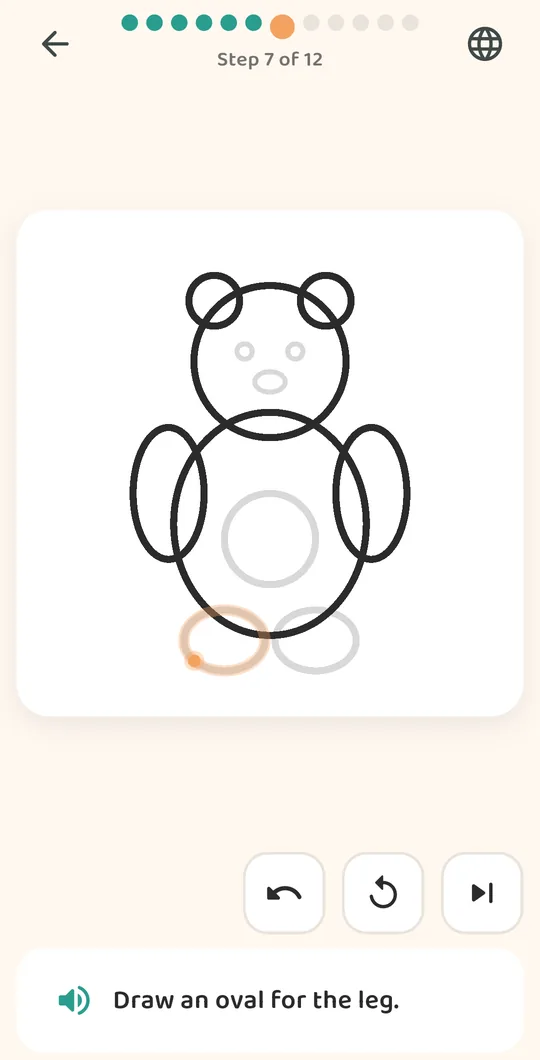
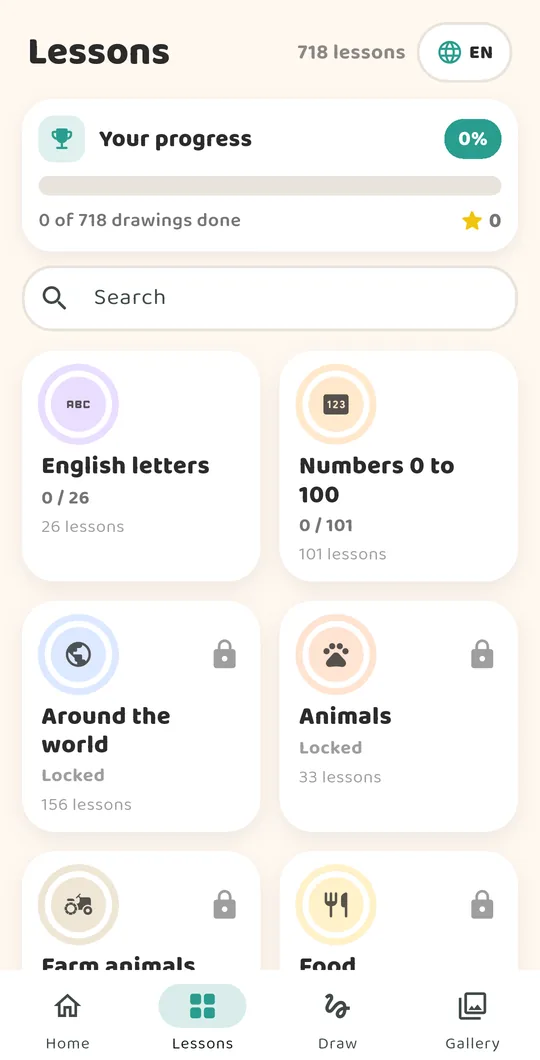
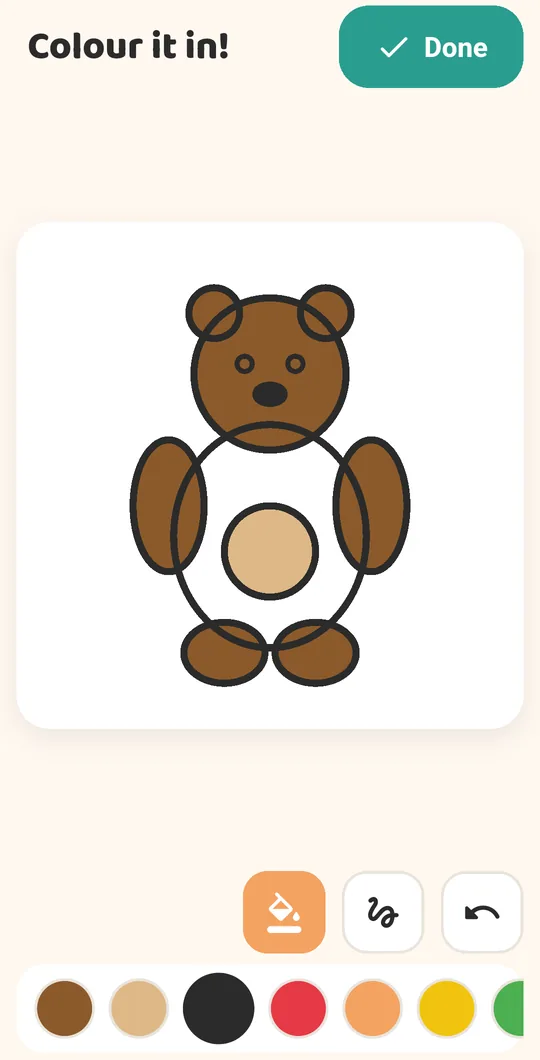
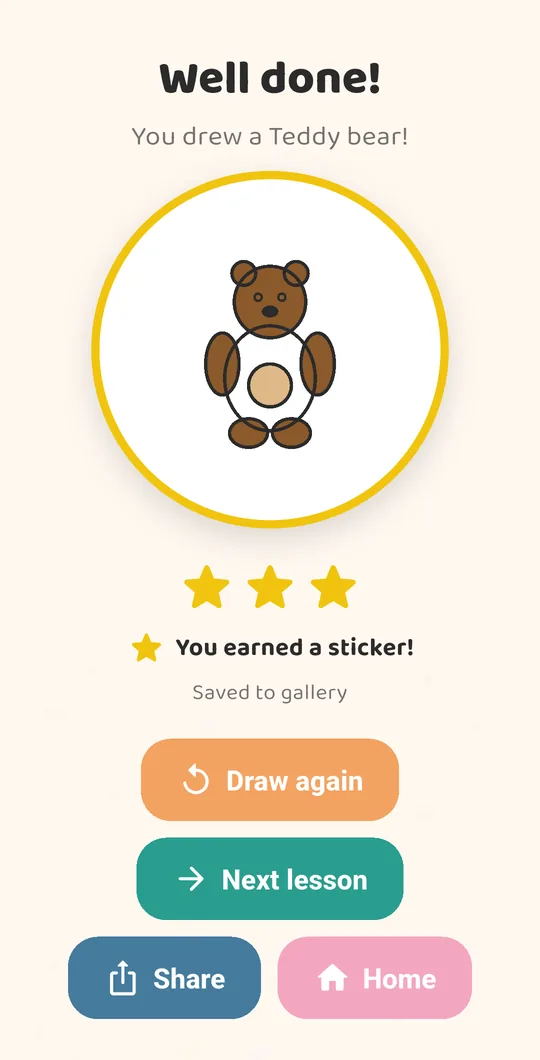

Three ways to draw
Choose Trace or Follow for each lesson. Finish Follow to open Memory mode for that picture. See how a lesson works.
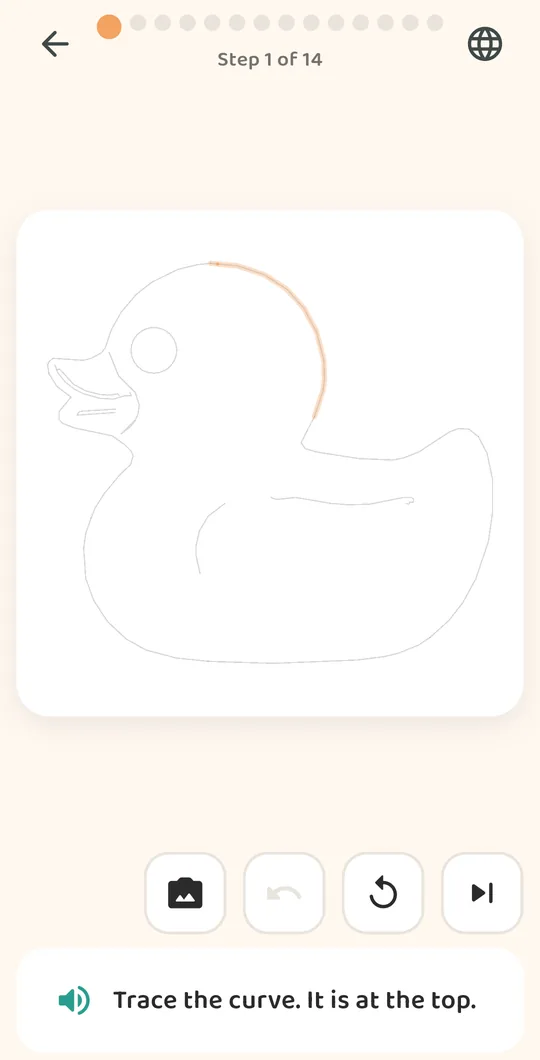
Trace
The guide stays on the page while your child draws over it.
Follow
The line appears, then fades. Watch where it went, then draw it yourself.
Memory
No line at all. Draw it from what you remember, with only the spoken hint to help. Opens once Follow is done.
What is inside
The library is built for a child in Bangladesh, and works anywhere.
Letters and numbers
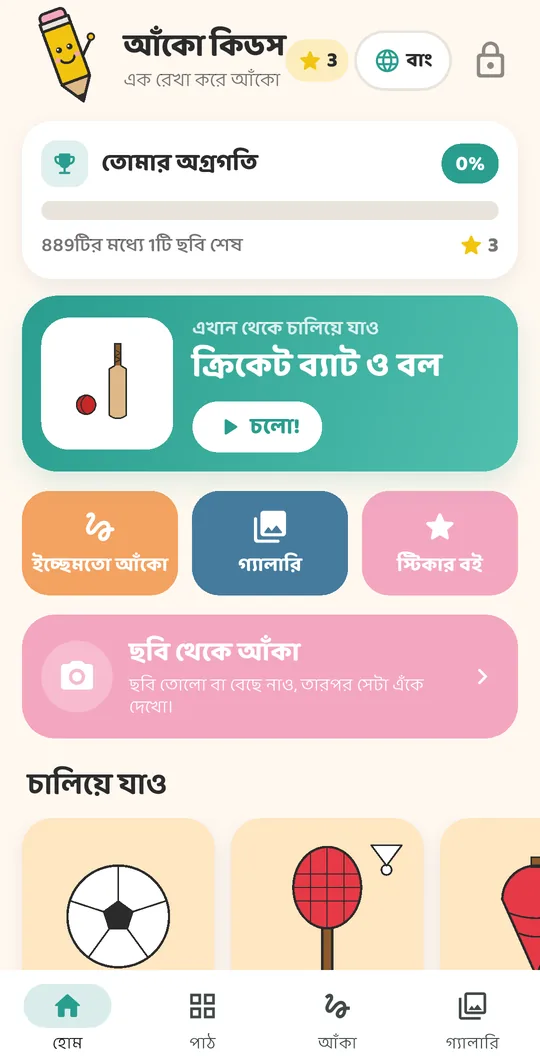
Trace Bangla, Hindi, English and Arabic letters, plus numbers from 0 to 100. The alphabet and number categories follow the language you choose, with English letters and numbers available too.
Amar Desh
The rickshaw, the hilsa, the shapla, the national flag, the nouka and the village hut. Things a child here already knows by sight. Free from day one
The world
Animals, farm animals, sea and river life, insects, fruits, vegetables, food, festivals, vehicles, cars, shapes, nature, home, games and 111 country flags.
Places and scenes
Tea gardens, the Sundarban, the long sea beach, hills and waterfalls. Bedrooms, kitchens, playgrounds, markets and rooftops.
Turn a photo into a drawing
Point the camera at a toy, a colouring book or the family cat.
1. Take the photo
From the camera, or from pictures already on the phone.
2. Preview the sketch and tracing
See a pencil sketch and a separate tracing preview. Adjust the detail, or turn off subject focus to include a whole scene or several objects.
3. Draw it
Check the tracing preview, then save it as a lesson with colours sampled from the photo. The reference photo is available while drawing. You can also save just the pencil sketch to the gallery.
Photo conversion runs on the device and does not upload the image. Clear outlines and simple backgrounds work best. Blurry or complex photos can produce incomplete tracing lessons; not every photo will make a useful lesson.
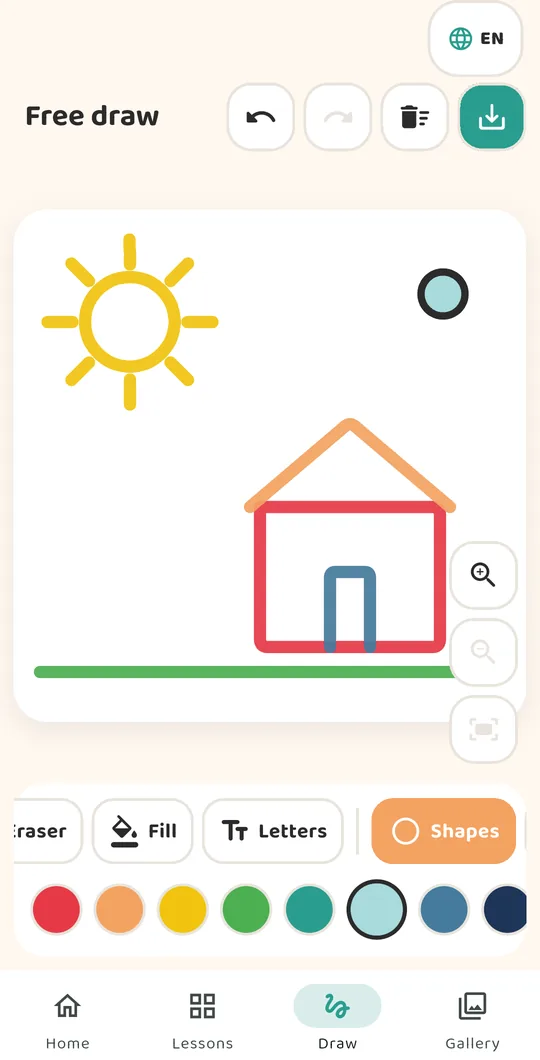
Free drawing and a gallery to keep
Make your own picture
Use brushes, shapes, letters and earned stickers, with an eraser and undo/redo for edits.
Pick up where you stopped
The current free-draw page saves locally and restores after a restart. Undo history lasts for the current session.
See the whole drawing
Gallery thumbnails keep the full picture visible. Open a drawing to zoom in, or share it through the parent gate. Loading problems offer a retry.
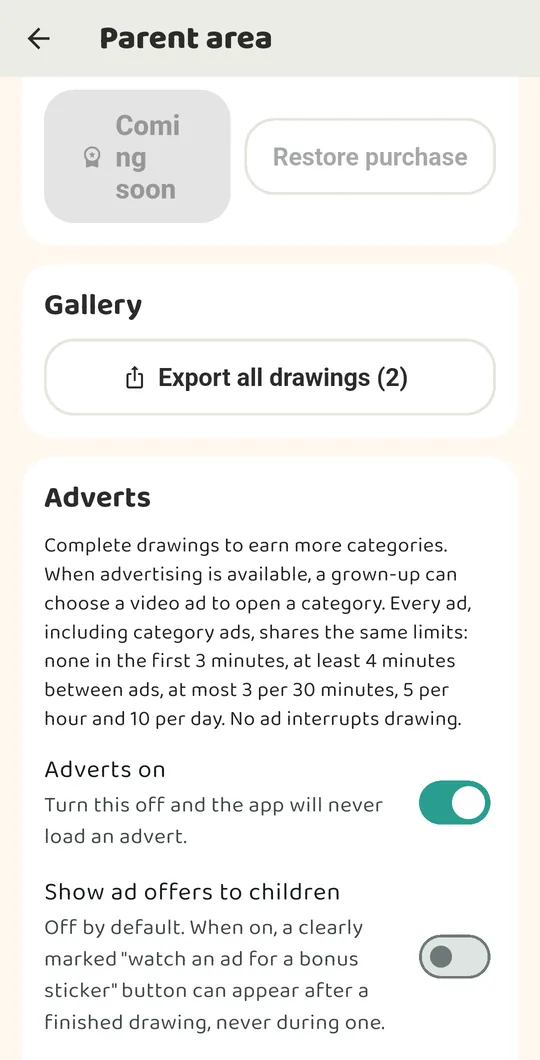
For parents
Updated 7 October 2026 for the current Android app.